

Finding a great laptop under $500 in 2026 is easier than ever — but choosing the right one can still feel overwhelming. Budget laptops today come in many configurations, ranging from efficient Intel and AMD machines to surprisingly powerful models with 16GB or even 24GB RAM, high-capacity SSDs, and modern 10-core processors.
The challenge isn’t that there are too few options — it’s that many of them look similar on paper, and it becomes hard to understand what actually delivers good real-world performance.
This guide helps you cut through the noise by focusing only on verified sub-$500 laptops that offer the best balance of performance, reliability, and value. Whether you’re a student looking for a dependable everyday machine, a home user needing a smooth daily performer, or a professional seeking a budget-friendly work laptop, the models listed here provide excellent capability without stretching your wallet.
Each laptop has been selected based on key factors such as processor strength, RAM capacity, storage speed, display quality, portability, and suitability for real-world tasks like online learning, multitasking, browsing, office work, and entertainment. While you shouldn’t expect premium gaming or heavy creative workloads at this price range, these laptops are more than capable for everyday productivity and long-term use.
Let’s explore the 10 best laptops under $500 in 2026, each reviewed in a clear, useful, and humanized way.
Top 10 Best Laptops Under $500 in 2026
1. Dell Inspiron 15 Business Laptop
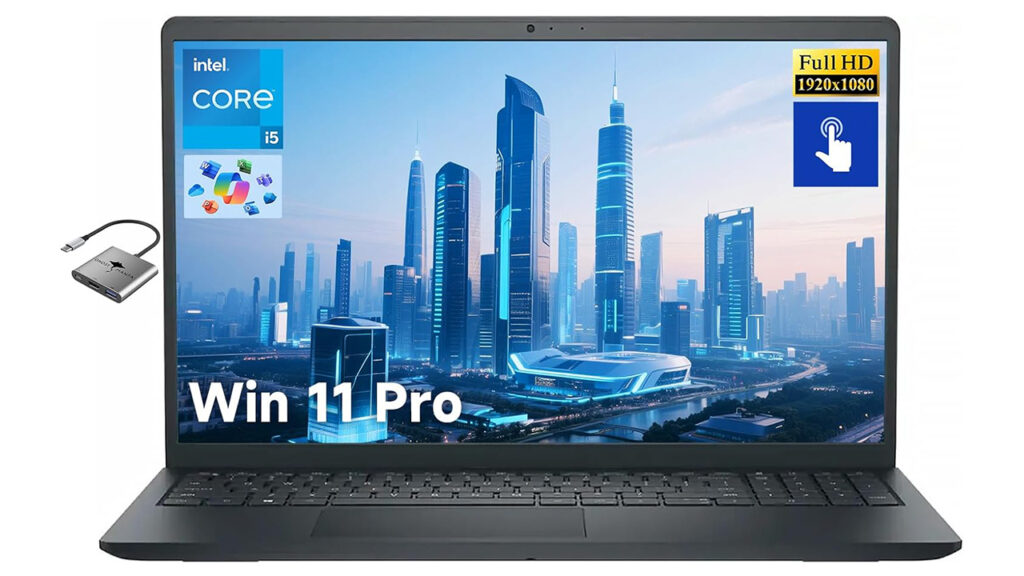
The Dell Inspiron 15 stands out as one of the best-balanced options under $500 thanks to its strong 10-core Intel Core i5-1334U processor paired with 16GB of RAM.
This combination makes it a smooth performer for multitasking, document work, dozens of browser tabs, online meetings, and even light content creation.
The 15.6-inch Full HD display gives you enough screen real estate for studying, spreadsheets, or entertainment. Meanwhile, the 512GB SSD ensures fast boot times and ample storage for photos, school files, apps, and offline media.
Students, remote workers, and business users will appreciate its stability and reliability — it’s a machine designed to get things done without slowing down.
Pros:
• Fast 10-core i5 CPU for the price
• Large 16GB RAM ensures lag-free multitasking
• 512GB SSD offers excellent storage space
• Good everyday and professional performance
Cons:
• Slightly heavier than slim ultrabooks
• Not meant for gaming or heavy editing
2. Lenovo IdeaPad Slim 3
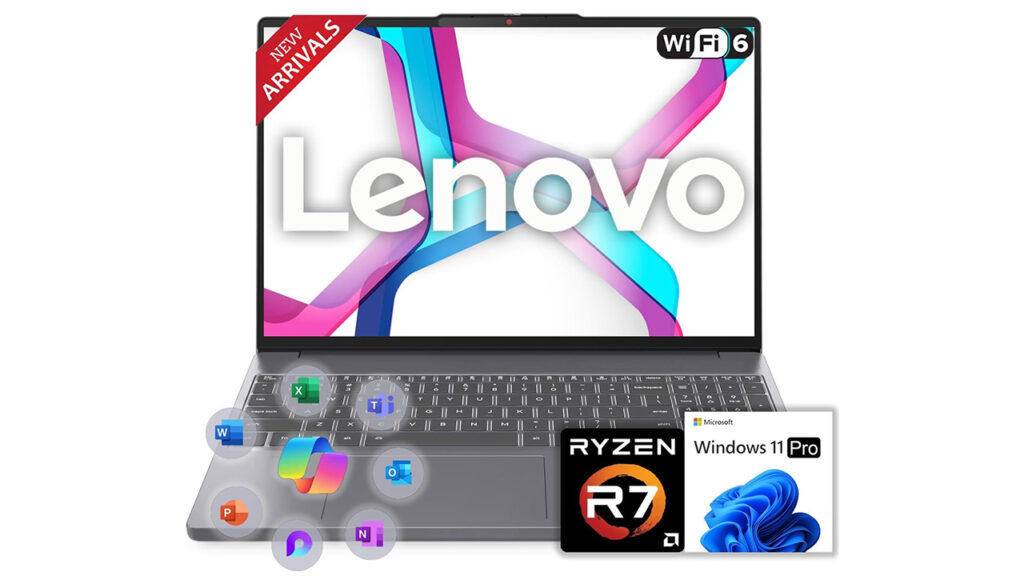
This is one of the most powerful budget options available. The Ryzen 7 5825U is an 8-core processor that handles intensive workloads with ease, making this laptop an excellent choice for students, business users, and multitaskers.
The tall 15.3-inch WUXGA display adds extra vertical workspace, which makes reading, editing, and researching far more comfortable. Combined with 16GB RAM and 512GB SSD, the Slim 3 performs like a mid-range laptop at a budget price.
Pros:
• Very powerful Ryzen 7 chip
• WUXGA taller display enhances productivity
• 16GB RAM + 512GB SSD ideal for long-term use
• Slim design despite strong hardware
Cons:
• Integrated graphics only
• Battery life varies under heavy workloads
3. HP 17-cn3399nr Laptop
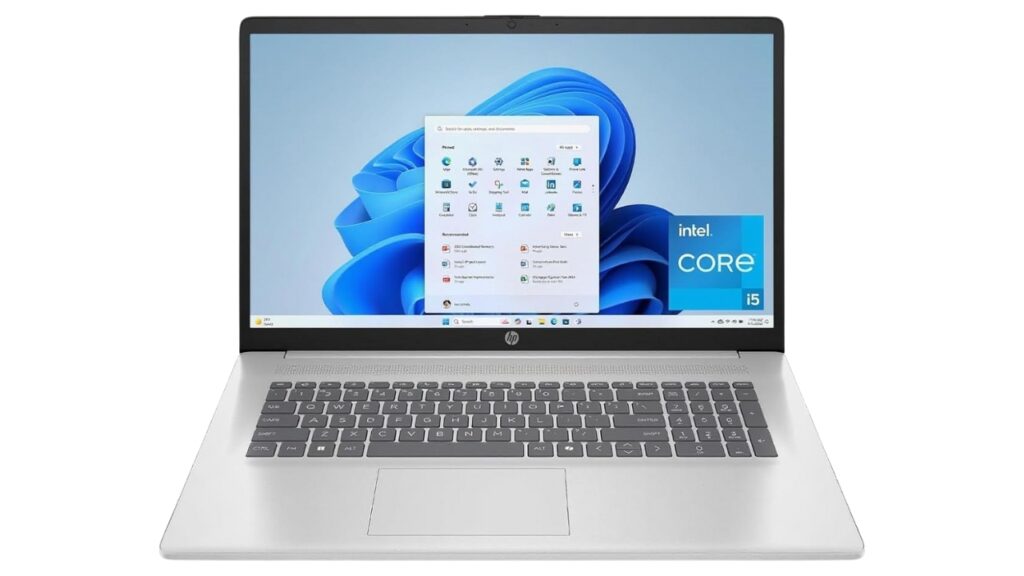
A great pick for users who want the biggest screen possible under $500. The 17.3-inch Full HD display makes it an excellent choice for students working from home, users who prefer a desktop-like experience, and professionals handling large spreadsheets or multitasking layouts.
The i5-1334U processor and 16GB RAM ensure a smooth and responsive experience across most day-to-day tasks. It’s not the most portable option, but for home use, it delivers exceptional usability and comfort.
Pros:
• Large 17.3” display ideal for productivity
• i5 CPU + 16GB RAM handles multitasking well
• Fast 512GB SSD for storage
• Great for home offices and students
Cons:
• Not travel-friendly
• Basic design and plastic build
4. Lenovo IdeaPad 1i
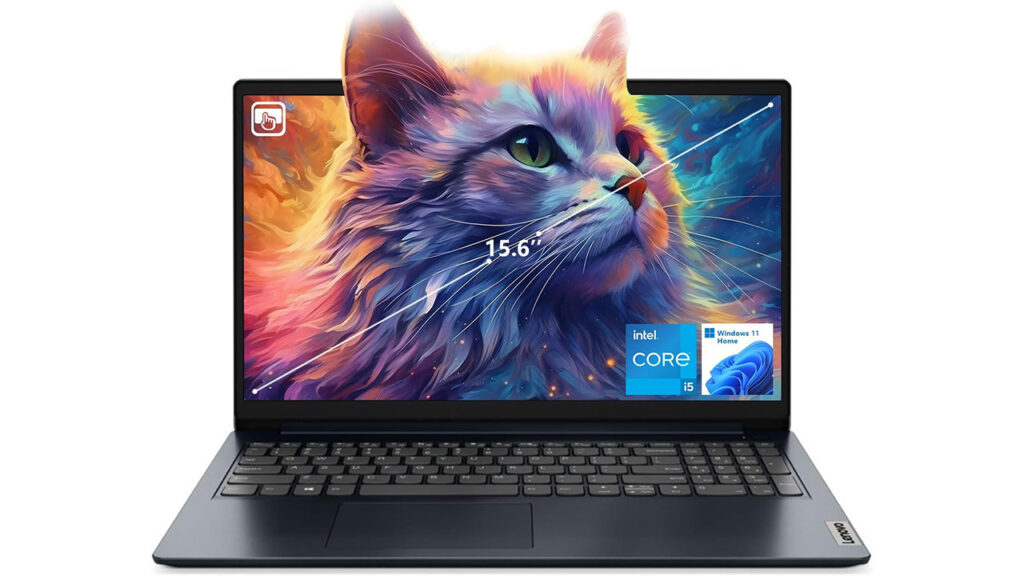
The IdeaPad 1i is a value champion. With a modern 12th-gen Intel Core i5-1235U paired with 16GB RAM, it provides smooth performance that’s ideal for students, employees, and casual users.
This model delivers excellent responsiveness thanks to its SSD, and the Full HD screen makes it comfortable for long hours of reading or writing. It strikes a great balance between affordability and practicality.
Pros:
• Good performance with 12th-gen i5
• Plenty of RAM and storage
• Great for everyday tasks and productivity
• Lightweight feel compared to older budget laptops
Cons:
• Display brightness is average
• Plastic build may feel basic
5. Lenovo 14 G4 Business Laptop
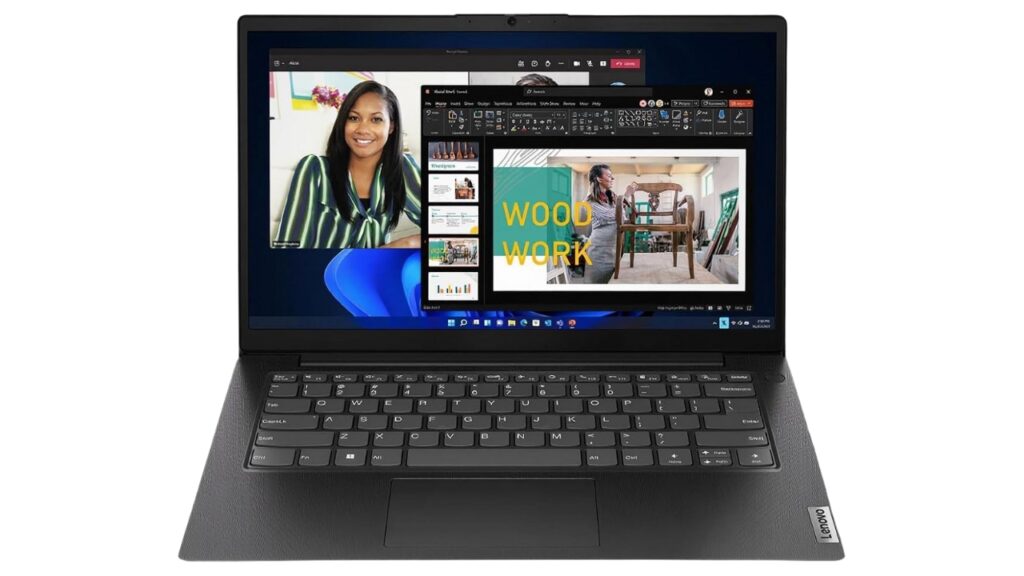
This is the most performance-focused CPU on the list — the i7-13620H belongs to Intel’s high-performance H-series chips.
Even with 8GB RAM, it handles CPU-heavy tasks like code compiling, business software, research workloads, and multi-app use better than most laptops in this price bracket.
At 14 inches, it’s compact and great for students or travelers who need portability without sacrificing power.
Pros:
• High-performance i7 H-series CPU
• Portable and lightweight
• Fast for intensive apps and multitasking
• Great for business, STEM students, and office work
Cons:
• Only 8GB RAM (though upgradable in many cases)
• 256GB storage may feel limited for heavy users
6. HP 17-cp2199nr
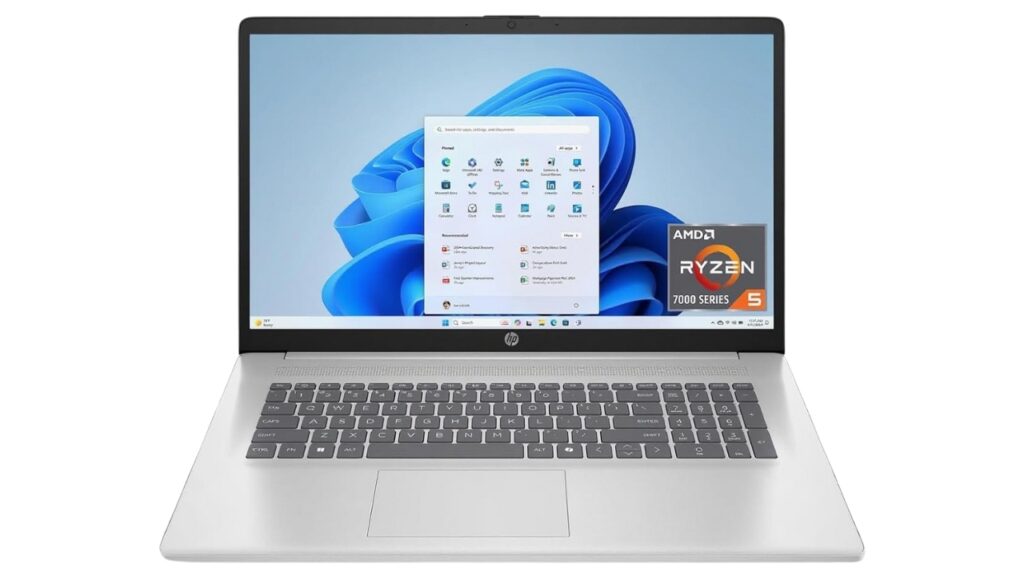
The second 17-inch option on this list is ideal for users who prioritize screen size and basic performance. The Ryzen 5 7520U is efficient and handles browsing, classes, light editing, and office work smoothly.
Combined with 16GB RAM and 512GB SSD, it offers reliability and speed at a price well below typical large-screen laptops.
Pros:
• Big 17.3” display for comfortable viewing
• 16GB RAM ensures lag-free operation
• Large SSD for files and apps
• Great for home study setups
Cons:
• HD+ resolution is lower than FHD
• Less portable due to size
7. Dell 15 DC15250
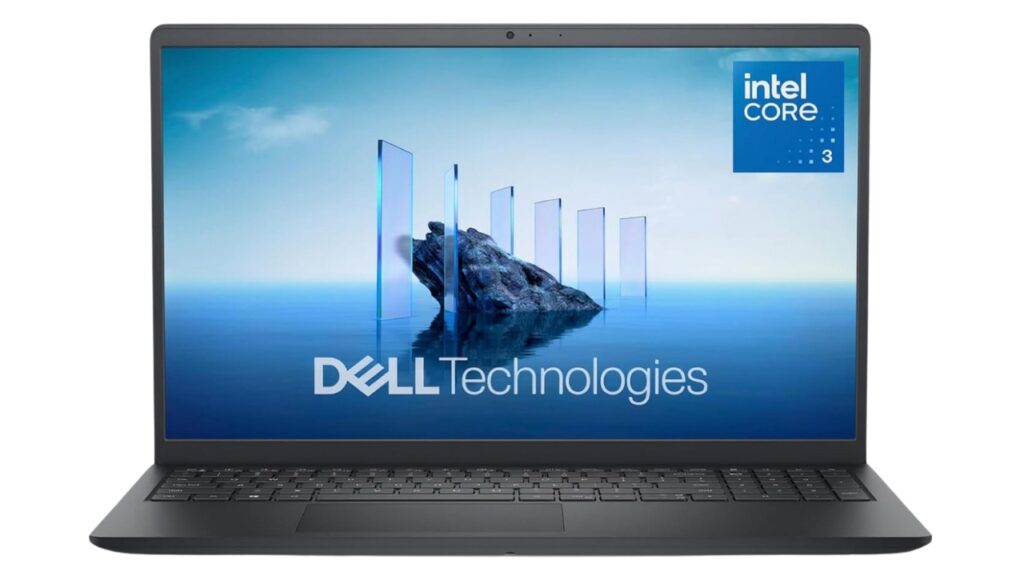
This Dell model is a clean, simple, beginner-friendly laptop suitable for school, home, and light work tasks.
The Intel Core 3 100U processor is made for efficiency rather than raw performance, but with 8GB RAM and 512GB SSD, it runs daily tasks smoothly.
A great pick for budget buyers who need reliability above all.
Pros:
• Affordable and simple
• 512GB SSD gives ample storage
• Good for browsing, assignments, and video calls
• Ideal for primary students and light users
Cons:
• Not meant for heavy multitasking
• Basic processor
8. ASUS Vivobook 14-inch Laptop
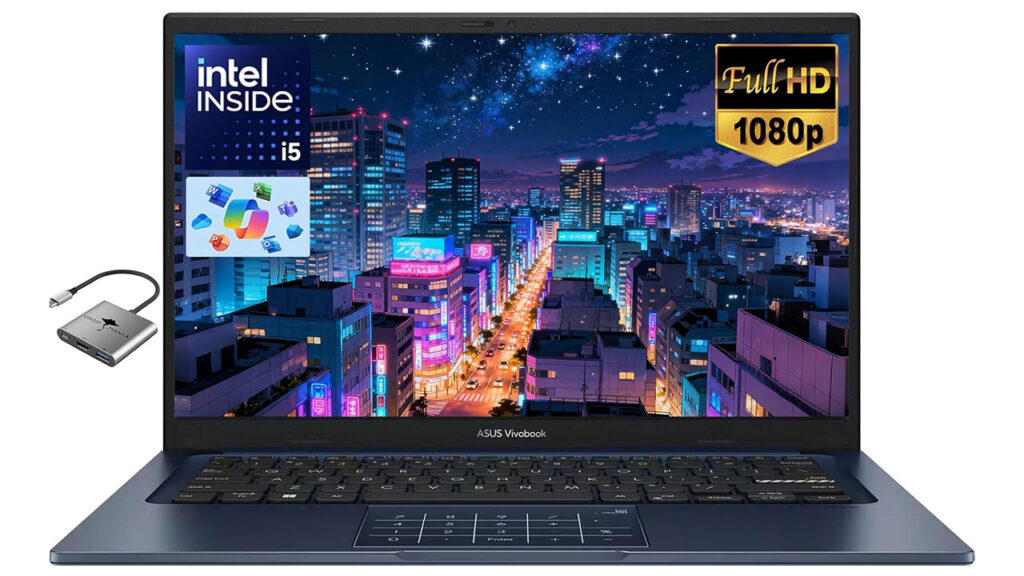
The standout value monster of the list. With 24GB RAM and a 1TB SSD, it’s rare to find these specs under $500 — making this ASUS Vivobook an exceptional long-term laptop.
Great for students who open dozens of tabs, run multiple apps, edit documents frequently, or store lots of files.
Pros:
• Huge 24GB RAM — excellent multitasking
• 1TB SSD for massive storage capacity
• Fast i5-1334U processor
• Ideal for power users on a budget
Cons:
• Battery life varies under heavy use
• Build quality is basic
9. Acer Chromebook Plus 515
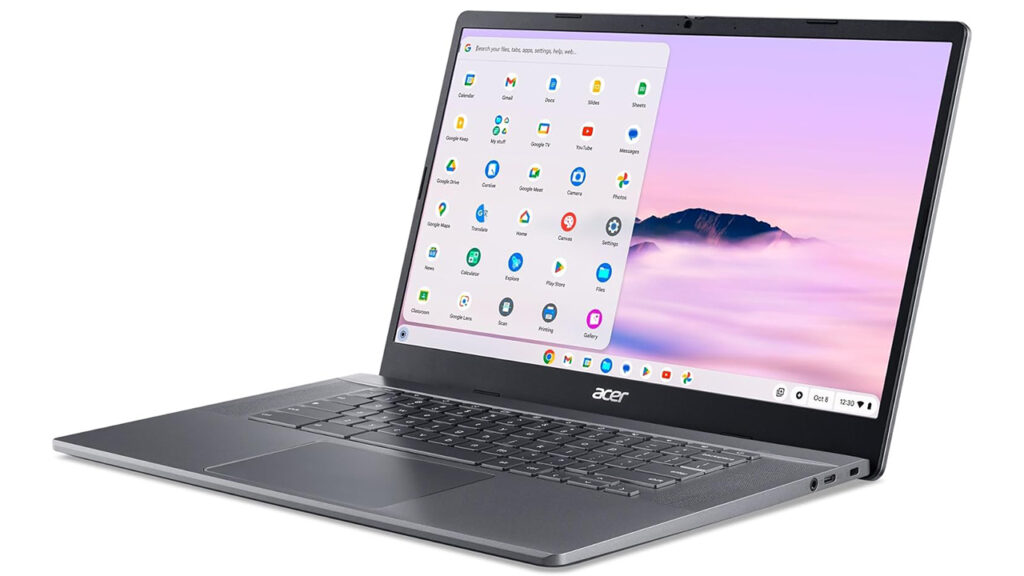
The best pick for users who prefer the simplicity and speed of ChromeOS. The Chromebook Plus 515 is fast, responsive, and excellent for web-based schoolwork, Google Classroom, Zoom, and streaming.
ChromeOS is lightweight, so the hardware feels fast despite modest specs.
Pros:
• Fast and responsive ChromeOS experience
• Great for students
• Lightweight and secure
• Long battery life
Cons:
• Not suitable for Windows-only software
• Limited offline capability for advanced tasks
10. ASUS 14″ Student Laptop
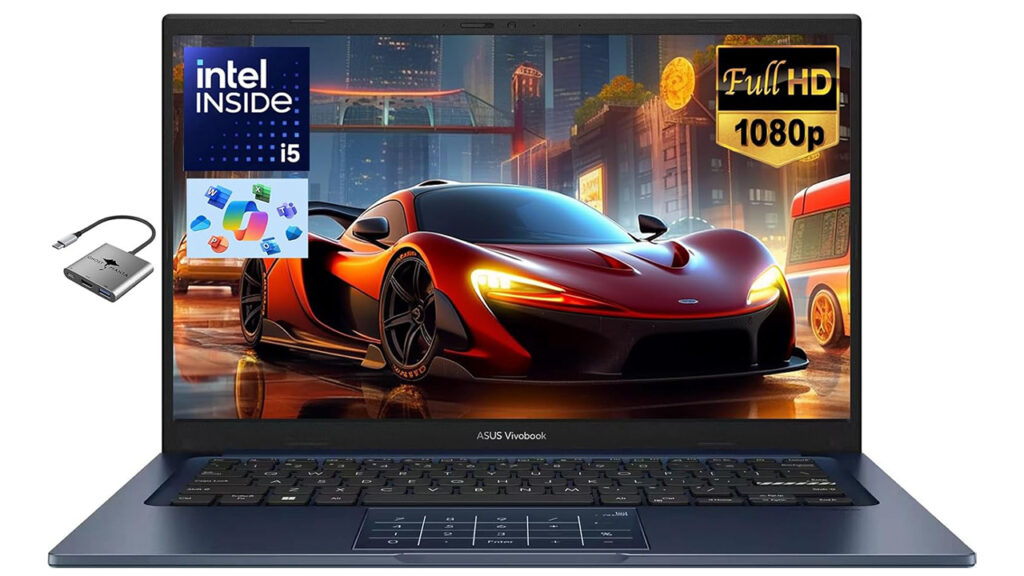
Another performance-heavy budget machine, this ASUS model mirrors the earlier Vivobook with its generous 24GB RAM and 1TB SSD setup.
This makes it a great laptop for college students, freelancers, professionals, or anyone who wants a snappy machine without spending more.
Pros:
• Excellent RAM and storage configuration
• Great for multitasking
• Smooth for school and office work
• Lightweight and student-friendly
Cons:
• Not built for gaming
• Battery life varies under load
Comparison Table — Quick Overview of Key Specs & Best Use Cases
| Laptop (Model) | CPU / Chipset | RAM / Storage | Display (Size & Res) | Best For / Notes |
|---|---|---|---|---|
| Dell Inspiron 15 | Intel 10-core i5-1334U | 16 GB / 512 GB SSD | 15.6″, Full HD | Balanced all-rounder for students, office work, everyday tasks |
| Lenovo IdeaPad Slim 3 | AMD Ryzen 7 5825U | 16 GB / 512 GB SSD | 15.3″, WUXGA (taller FHD-ish) | Heavy multitasking, research, productivity, mid-range performance |
| HP 17-cn3399nr | Intel i5-1334U | 16 GB / 512 GB SSD | 17.3″, Full HD | Large screen for work-from-home, spreadsheets, media, home study |
| Lenovo IdeaPad 1i | Intel i5-1235U | 16 GB / 512 GB SSD | 15.6″, Full HD | Everyday use, assignments, browsing — balanced performance/value |
| Lenovo 14 G4 Business Laptop | Intel i7-13620H | 8 GB / 256 GB SSD | 14.0″, Full HD | Portable power for coding, business apps, heavier workloads |
| HP 17-cp2199nr | AMD Ryzen 5 7520U | 16 GB / 512 GB SSD | 17.3″, HD+ (larger but lower res) | Budget big-screen option for home use, browsing, docs |
| Dell 15 DC15250 | Intel Core 3 100U | 8 GB / 512 GB SSD | 15.6″, Full HD | Budget-safe pick, light tasks, browsing, video calls, students |
| ASUS Vivobook 14″ | Intel i5-1334U | 24 GB / 1 TB SSD | 14.0″, Full HD | Heavy multitasking, large storage, power users on tight budget |
| Acer Chromebook Plus 515 | Intel i3-1305U | 8 GB / 256 GB SSD | 15.6″, Full HD | Cloud-based work, light use, ChromeOS simplicity, students |
| ASUS 14″ Student Laptop (i5 + 24 GB / 1 TB) | Intel i5 (10-core) | 24 GB / 1 TB SSD | 14.0″, Full HD | Best for multitaskers, long-term use, content-heavy students/pros |
Frequently Asked Questions (FAQ)
Q1: Can a laptop under $500 really last for 3–4 years without slowing down?
Yes — especially if it has a modern processor (Intel 10th–13th Gen or AMD Ryzen 5/7), SSD storage, and at least 8–16 GB RAM. The models above, particularly those with 16 GB+ RAM and SSDs, are designed for long-term everyday use like document editing, browsing, video calls, and streaming. They may not be ideal for heavy gaming or professional-grade video editing, but for standard usage, they hold up well.
Q2: Is 8 GB RAM enough for a student laptop in 2026?
8 GB RAM is the bare minimum you can get away with — acceptable for light browsing, note-taking, and basic apps. However, if you plan on multitasking (e.g. multiple browser tabs, Zoom calls, Office + research, background apps), 16 GB is more comfortable. Several models above include 16 GB or even 24 GB RAM, which greatly improves smoothness and future-proofing.
Q3: Should I get a Chromebook instead of a Windows laptop under $500?
If your tasks are mostly web-based (Google Docs, online classes, browser research, streaming), a Chromebook — like the Acer Chromebook Plus 515 — can be a great value: fast, secure, lightweight, and often cheaper. But if you need Windows-specific software (MS Office desktop version, certain university applications, Windows-only tools), a Windows laptop makes more sense.
Q4: Is storage space important? SSD vs HDD?
Yes — very. All laptops listed use SSD storage, which is significantly faster and more reliable than traditional HDDs. For day-to-day tasks, SSDs make boot-up, file opening, and app launching far quicker. As for capacity: 512 GB is a good balance for most users. If you store a lot of large files (videos, music, projects), 1 TB is best (as seen on the ASUS laptops listed).
Q5: Is a bigger screen better for students or a smaller, more portable one?
It depends on your lifestyle. A 14–15.6″ laptop is usually easier to carry around campus or between classes, while still giving enough workspace. A 17.3″ laptop gives more screen real estate — useful for reading, multitasking, spreadsheets, or if you mostly work from home/dorm. Choose based on portability vs screen-size preference.
Q6: Will any of these laptops handle light video editing or photo editing?
Yes — those with 16 GB+ RAM and a modern CPU (like the Lenovo Slim 3, ASUS Vivobook, or Dell Inspiron 15) can handle light photo editing or simple video editing (e.g. basic cuts, casual content). However, do not expect professional-level performance or smooth rendering times — these are still budget machines.
Q7: How do I choose between integrated graphics and dedicated graphics on a budget?
Almost all budget laptops under $500 rely on integrated graphics, which is fine for web browsing, office work, streaming, and light creative tasks. Dedicated GPUs are rarely available in this price range — and for gaming or heavy graphics work, you would need to look at a higher price bracket. For the listed laptops, integrated graphics are sufficient for their intended use.
Final Thoughts
If you’re on a budget, all ten of these laptops deliver surprisingly strong everyday performance for under $500.
- Choose something like ASUS Vivobook 14″ if you want maximum RAM/storage for multitasking and long-term use.
- Go for Lenovo IdeaPad Slim 3 if you prioritize power and smoother performance with an AMD chip.
- Pick Acer Chromebook Plus 515 if you want simplicity, security, and a lightweight machine for web-based tasks.
- Consider HP 17-series models if you prefer a larger screen and mostly work/study from home or dorm.
For students, remote workers, and budget-conscious buyers in 2026, these options strike the best balance of cost, performance, and reliability.